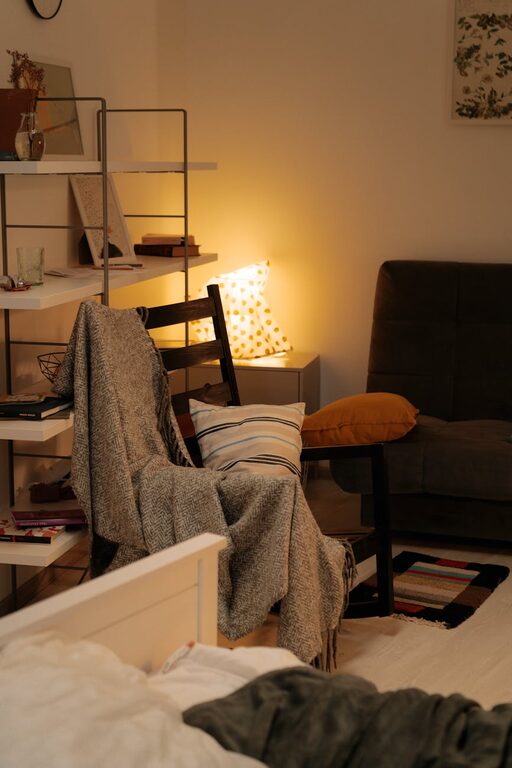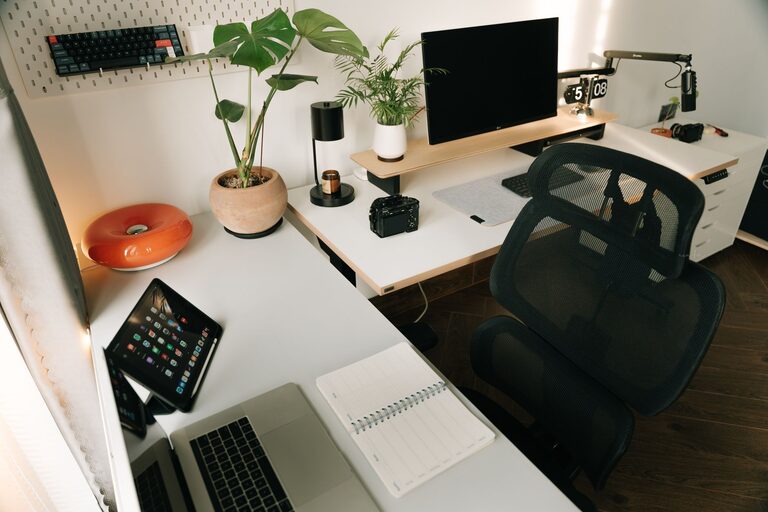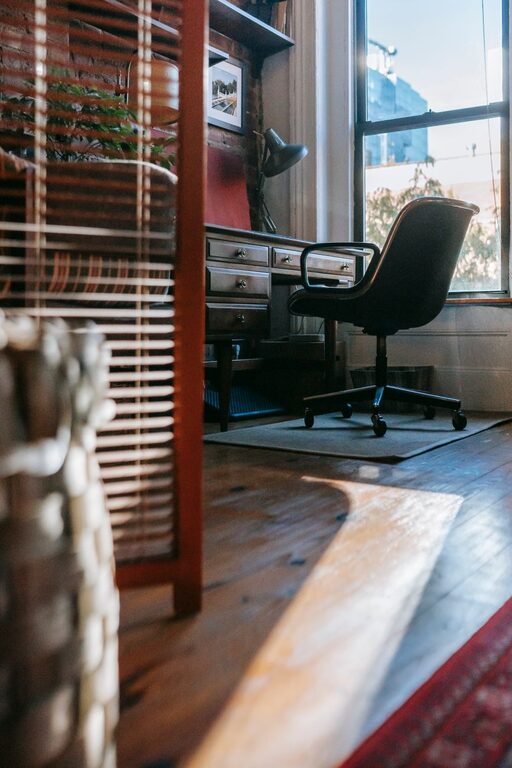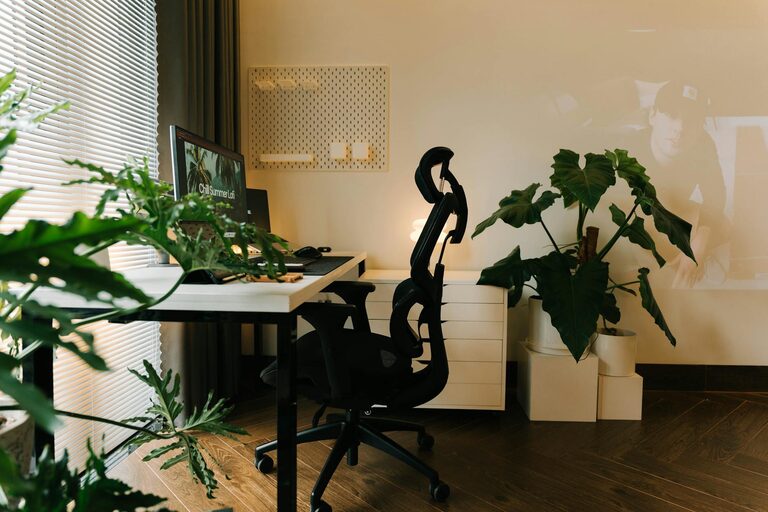








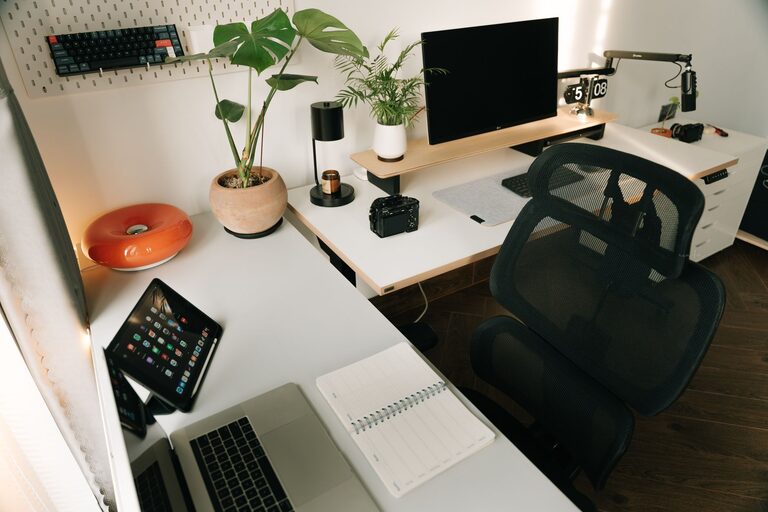
Creating a productive home workspace is essential for anyone working remotely or managing tasks from home. A well-organized environment helps reduce distractions, improve focus, and maintain a healthy work-life balance. Whether you have a dedicated room or just a corner of your living space, these tips will help you set up a workspace that supports productivity and comfort.
Choose the Right Location
Your workspace location can significantly impact your concentration and efficiency. Whenever possible, pick a quiet area of your home that is free from distractions such as TV or high foot traffic.
Factors to consider:
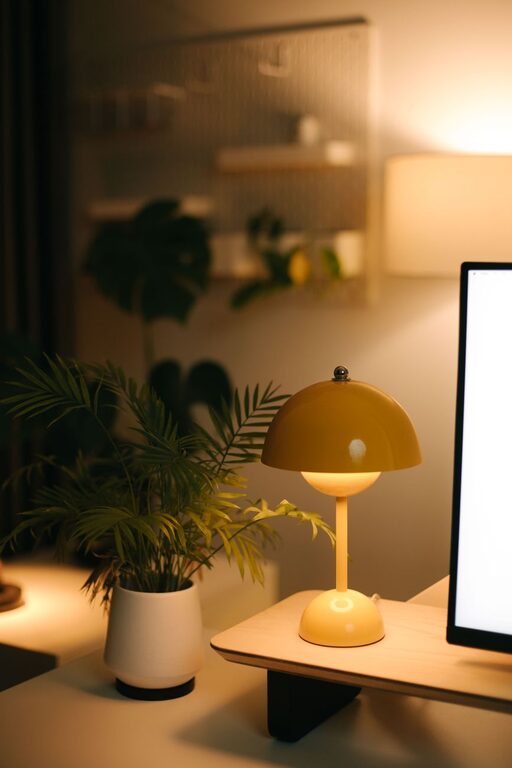
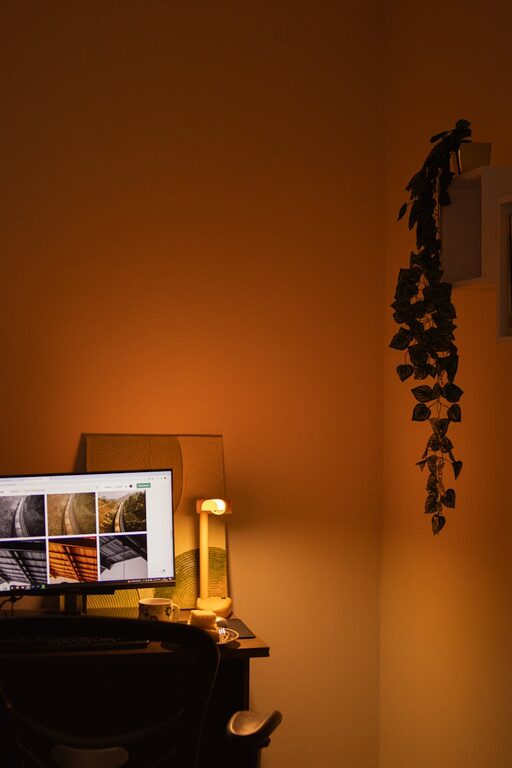
– Lighting: Natural light is ideal as it reduces eye strain and boosts mood. If natural light is limited, use quality desk lamps.
– Privacy: Choose a spot where you can limit interruptions from family or roommates.
– Space: Ensure you have enough room for your desk, chair, and any equipment or materials you need.
Invest in Comfortable, Functional Furniture
Comfort and ergonomics are key to avoiding physical discomfort and staying productive for long hours.
Recommendations:
– Ergonomic Chair: Look for one with adjustable height and back support to maintain good posture.
– Desk: A desk with enough surface area to hold your computer, documents, and accessories without clutter.
– Standing Desk Option: Consider a sit-stand desk to alternate between sitting and standing throughout the day.
Keep Your Workspace Clutter-Free
A tidy workspace leads to a clearer mind.
Tips for decluttering:
– Organize cables and chargers using clips or sleeves.
– Use drawers or storage boxes to keep supplies out of sight.
– Limit personal items on your desk to a few motivational or calming objects.
– Regularly clean and tidy your workspace, setting aside a few minutes at the end of each workday.
Use Efficient Storage Solutions
Proper storage helps keep everything in its place and easy to find.
– Shelves: Use wall-mounted shelves to save desk space.
– File Organizers: Keep important documents sorted by category.
– Desk Organizers: Use trays or containers for pens, paperclips, and other small items.
Set Up Technology Strategically
Your technology setup should support your workflow without causing frustration.
– Arrange your computer monitor at eye level to reduce neck strain.
– Invest in a good-quality keyboard and mouse.
– Use headphones to block out noise when needed.
– Keep chargers and frequently used devices within reach.
Personalize to Boost Motivation
Adding personal touches makes your workspace inviting and inspiring.
– Include a few photos, plants, or artwork.
– Choose colors that make you feel calm or energized.
– Incorporate a whiteboard or bulletin board for notes and reminders.
Establish Boundaries and Routines
To maintain productivity, it’s important to treat your home workspace like a professional environment.
– Set specific working hours to separate work time from relaxation.
– Use visual cues, such as closing a door or a sign, to indicate when you’re working.
– Take scheduled breaks to stretch and rest your eyes.
– Avoid doing non-work activities at your desk.
Optimize for Focus and Comfort
Creating conditions that support concentration can improve your daily work output.
– Use noise-cancelling headphones if household noise is an issue.
– Adjust room temperature and ventilation for comfort.
– Keep a water bottle nearby to stay hydrated.
– Use apps or timers to manage tasks and reduce distractions.
Conclusion
Organizing a productive home workspace does not require a complete overhaul of your surroundings. Small changes like choosing the right location, investing in ergonomic furniture, reducing clutter, and personalizing your space can make a big difference. By setting clear boundaries and optimizing your environment for comfort and focus, you can create a home office that supports your productivity and well-being every day.