







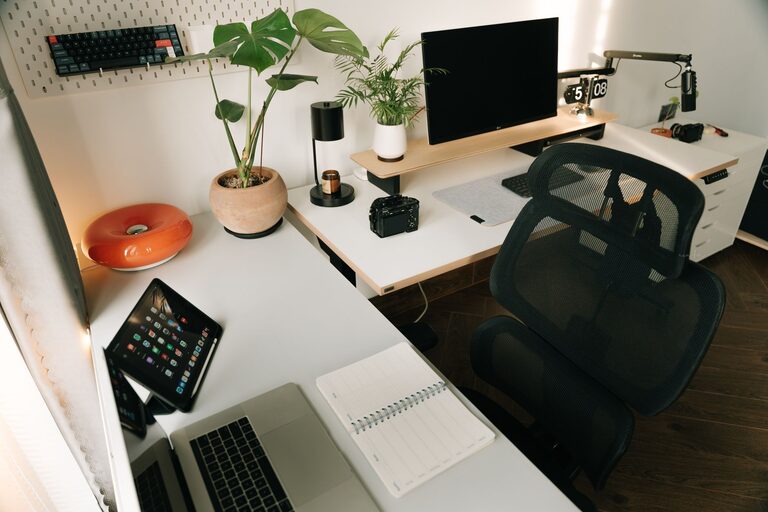
Creating an efficient and comfortable home office can significantly improve your work experience and productivity. Whether you’re working remotely full-time or just occasionally from home, having a well-organized workspace helps reduce distractions, increase focus, and makes your workday more pleasant. This guide offers practical tips to organize your home office for maximum comfort and productivity.
1. Choose the Right Location
Start by selecting a dedicated space for your home office. Ideally, pick a quiet area with minimal foot traffic to avoid interruptions. If possible, a separate room with a door is best, but a well-defined corner or nook can work too.
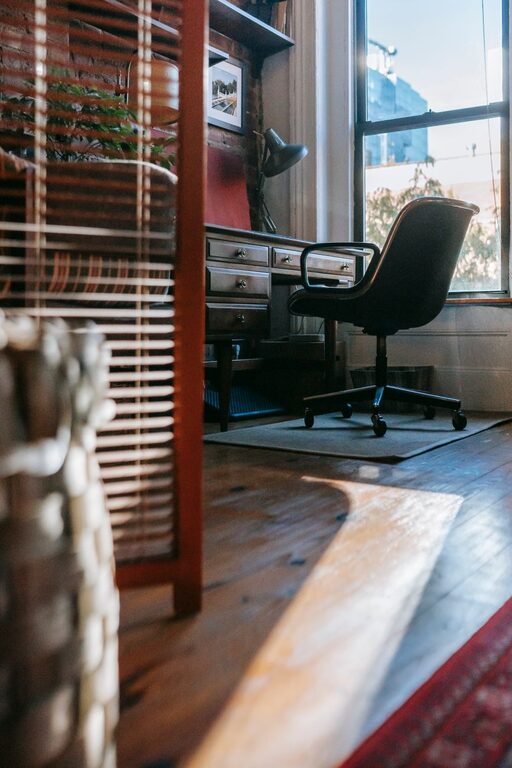
Make sure the space has adequate natural light, which helps reduce eye strain and boosts mood. If natural light is limited, invest in good quality lighting with adjustable brightness and warmth to suit your needs throughout the day.
2. Invest in Ergonomic Furniture
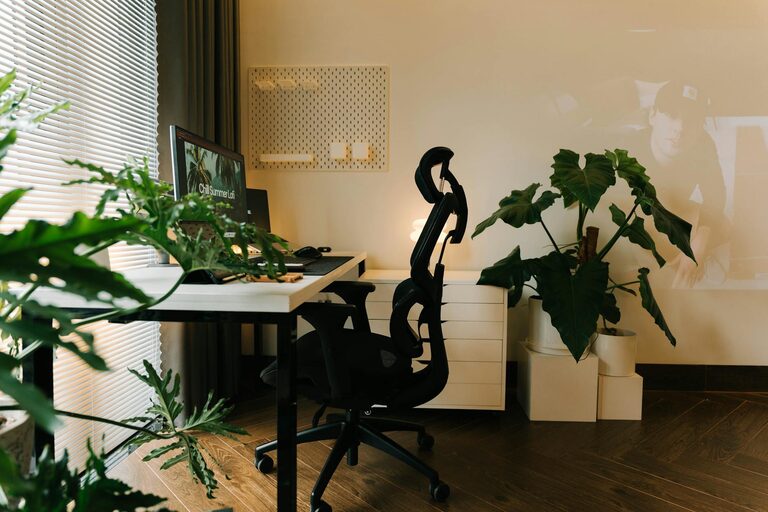
Comfort is key to maintaining productivity over long hours. An ergonomic office chair that supports your back and encourages good posture can prevent discomfort and fatigue.
Pair the chair with a desk at the right height—your elbows should rest comfortably at about 90 degrees when typing. If you use a laptop, consider a laptop stand to elevate the screen to eye level, reducing neck strain. Adding a separate keyboard and mouse can improve typing comfort too.
3. Declutter and Simplify Your Space
Keep only essential items on your desk to maintain a clean, distraction-free environment. Excess clutter can be overwhelming and negatively impact focus.
Use organizers like trays, drawer dividers, or small containers to store office supplies neatly. Designate specific spots for items like pens, paper, chargers, and notes, so everything has a home and is easy to find.
4. Use Smart Storage Solutions
Effective storage is crucial to keeping your workspace tidy. Consider vertical storage options like shelves or wall-mounted organizers to free up desk surface area.
Filing cabinets or portable file boxes help manage important documents without piling up. Clear labeling helps you quickly locate what you need. If you prefer digital files, create an organized folder system on your computer and back up regularly.
5. Manage Cables and Technology
Tangled cables create visual clutter and can be frustrating to manage. Use cable clips, sleeves, or zip ties to bundle wires neatly behind your desk.
Keep your devices accessible and use charging stations to reduce clutter from chargers and cords. Regularly update your software and organize your desktop icons to maintain digital order.
6. Personalize Your Workspace Thoughtfully
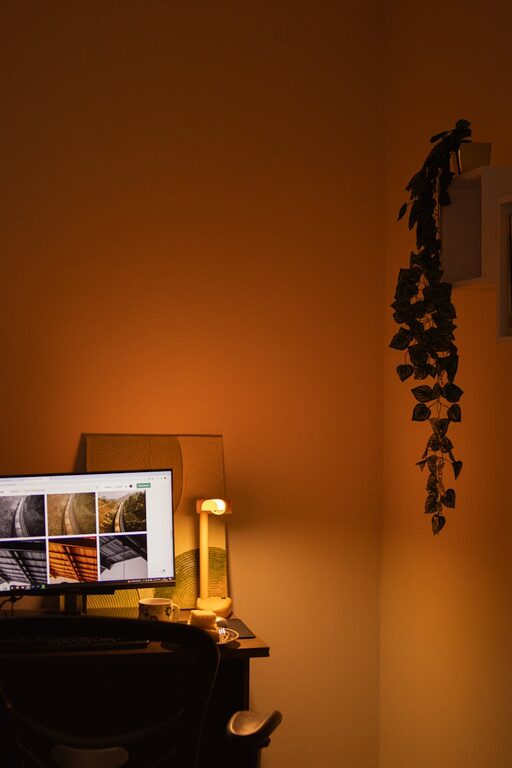
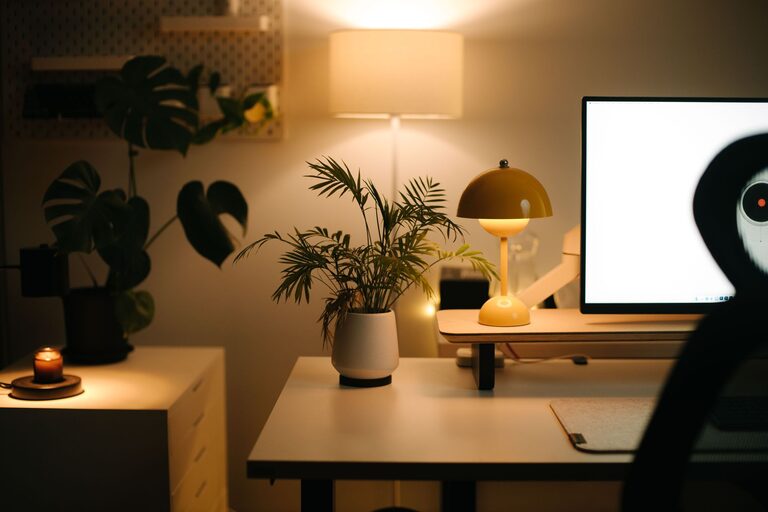
Adding personal touches like plants, artwork, or photos can make your home office feel inviting and motivating. Choose items that inspire and relax you without overwhelming the space.
Plants, for instance, not only brighten the room but can also improve air quality and reduce stress. However, avoid too many decorations that can become distractions.
7. Optimize Lighting
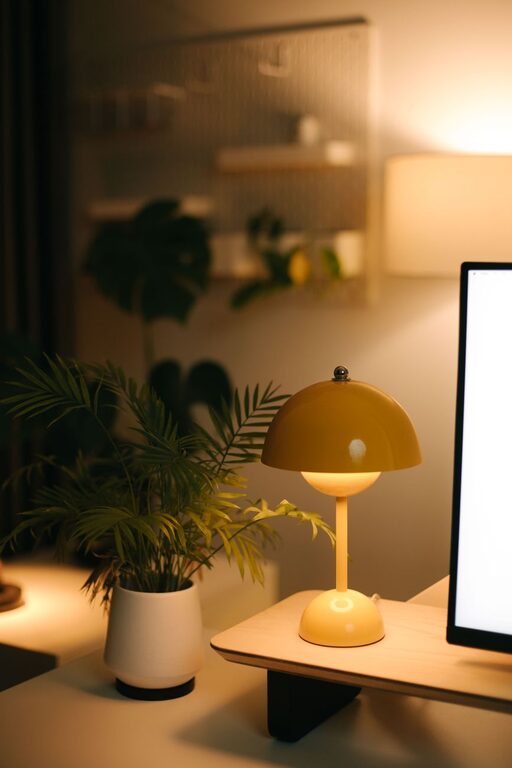
Proper lighting reduces eye strain and creates a comfortable atmosphere. Combine natural light with task lighting such as a desk lamp.
Position your desk to avoid glare on screens. Use adjustable lamps that allow you to control brightness and color temperature depending on the time of day and activity.
8. Establish a Daily Routine
An organized office is most effective when combined with a consistent routine. Start your day by tidying your desk and planning your tasks.
Take short breaks to stretch and rest your eyes. Ending your workday by organizing paperwork and turning off equipment can help maintain order and signal the end of the workday.
9. Keep Essentials Within Reach
Arrange your desk so frequently used items are within easy reach. This minimizes distraction and time spent searching or moving around.
Use a desk organizer or drawer for stationery, your phone, notes, or anything you need regularly. Keep less frequently used items stored away to maintain a clean workspace.
10. Incorporate Comfortable Climate Controls
Your office comfort extends beyond organization and furniture. Pay attention to room temperature and ventilation.
A small fan or heater can help adjust your immediate environment. Fresh air circulation preserves alertness and comfort, making your workspace more pleasant.
—
Organizing your home office doesn’t have to be complicated. By focusing on location, comfort, clutter management, and personalization, you create a space that naturally supports productivity and well-being. Small changes can make a big difference in how you feel and perform during your workday. Take time to set up your workspace thoughtfully—your future self will thank you!