







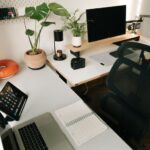
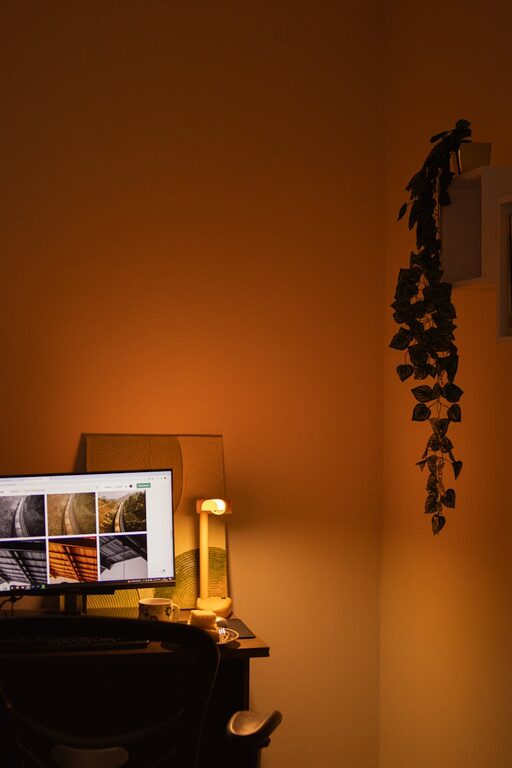
Creating a home workspace that feels both cozy and productive can make a huge difference in how you work and feel throughout the day. Whether you’re working remotely full-time or just need a dedicated spot for occasional tasks, a well-designed workspace can help you stay focused, motivated, and comfortable. Here are some helpful tips to design a space you’ll enjoy spending time in.
Choose the Right Location
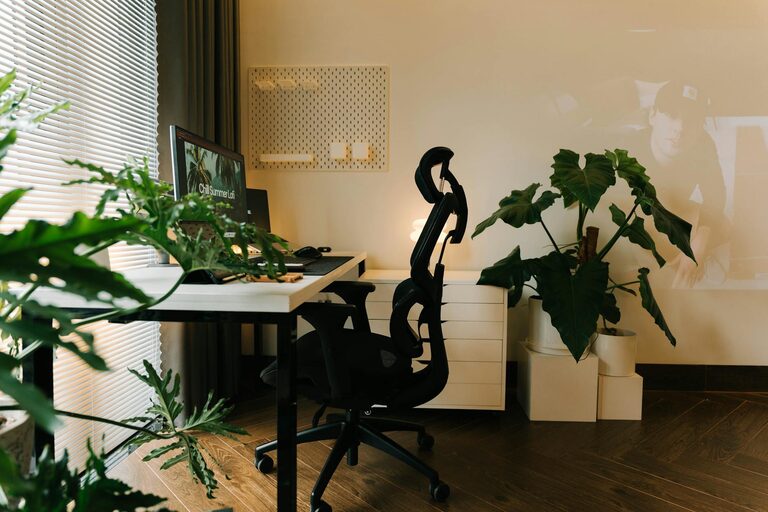
The first step in creating a cozy and productive workspace is selecting the best spot in your home. Ideally, find a quiet area with minimal distractions. Good natural light is a big plus—it helps reduce eye strain and can boost your mood.
– Avoid noisy areas like near the TV or kitchen.
– If space is limited, choose a corner or nook that you can dedicate solely to work.
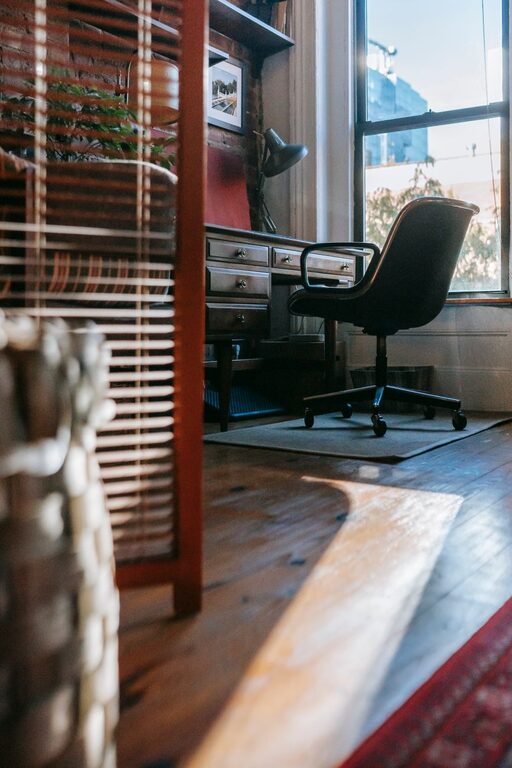
– Consider a spot near a window for fresh air and daylight.
Invest in Comfortable and Functional Furniture
Your furniture plays a significant role in your workspace comfort and efficiency.
– Desk: Choose a desk that fits your space and work needs. It should be large enough for your computer, documents, and essential tools.
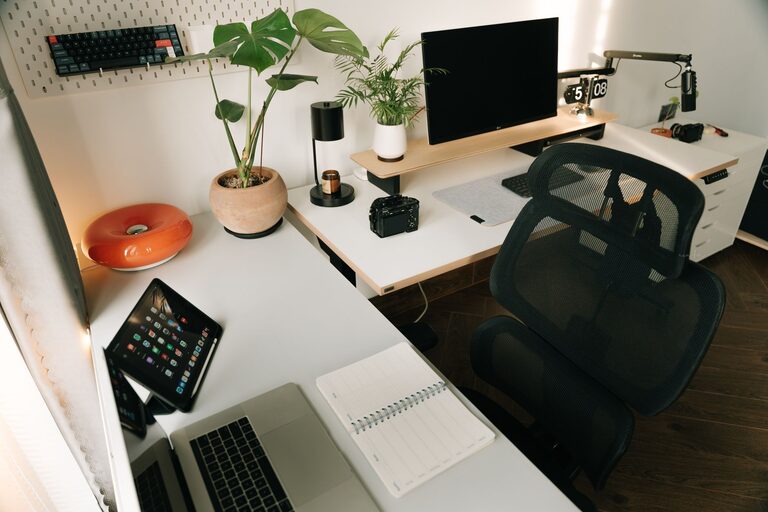
– Chair: Invest in an ergonomic chair to support your posture during long work hours. Look for adjustable height and good back support.
– Storage: Use shelves, filing cabinets, or drawer units to keep your space organized and clutter-free.
Use Proper Lighting
Good lighting can reduce eye strain and help maintain focus.
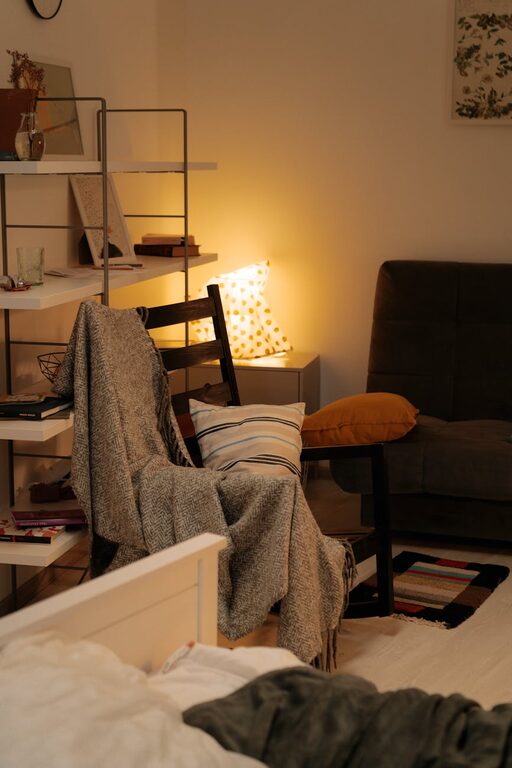
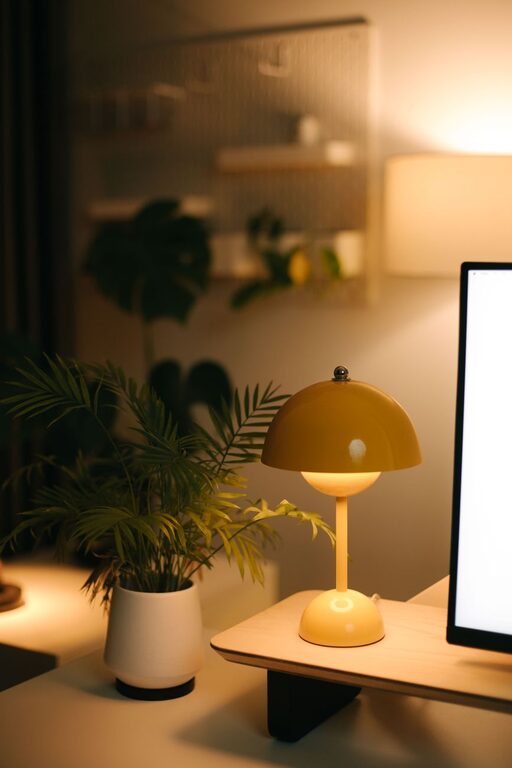
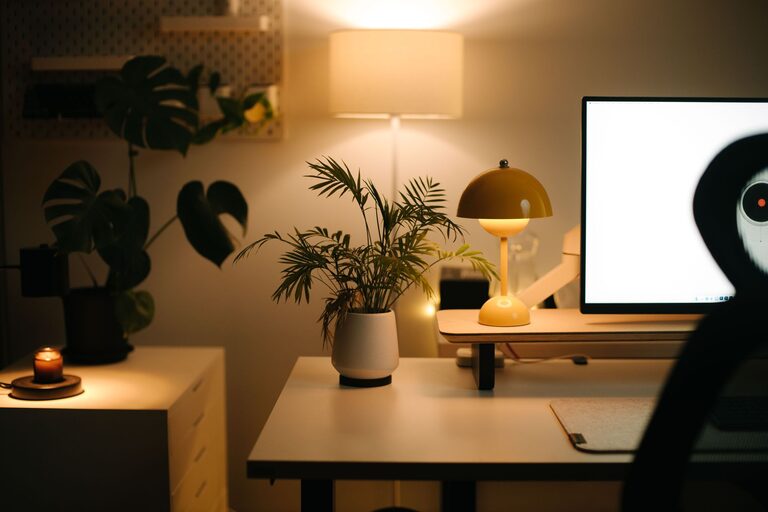
– Combine natural light with soft, warm artificial lighting.
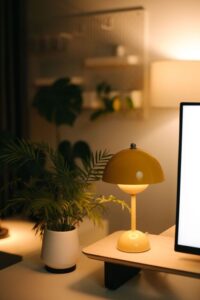
– Use task lighting, like a desk lamp, for focused work.
– Avoid harsh overhead lights that can cause glare or fatigue.
Personalize Your Space
Adding personal touches can make your workspace more inviting and boost your creativity.
– Decorate with plants to bring in a bit of nature and freshen the air.
– Display artwork, photos, or objects that inspire you.
– Use colorful or patterned cushions, rugs, or curtains to add warmth.
Keep Your Workspace Organized
Clutter can impact productivity and cause unnecessary stress.
– Use organizers like trays, boxes, or desk organizers to keep items sorted.
– Adopt a habit of tidying your desk at the end of each day.
– Digitize documents when possible to reduce paper clutter.
Minimize Distractions
To stay productive, limit things that can divert your attention.
– Put your phone on silent or in another room if it’s not needed.
– Use noise-cancelling headphones or soft background music if noise is an issue.
– Set boundaries if you share your space with others, letting them know your work hours.
Optimize Technology Setup
A smooth tech setup helps things run efficiently and reduces frustration.
– Position screens at eye level to prevent neck strain.
– Use a wireless keyboard and mouse for more flexibility.
– Ensure fast and stable internet connection.
– Keep cables neat with clips or sleeves.
Create a Routine and Dedicated Work Hours
A workspace alone won’t guarantee productivity without good habits.
– Establish set work hours to create structure.
– Take regular breaks to stretch and move around.
– Use to-do lists or planners to keep track of tasks.
Add Comfort Features
Comfort helps sustain longer work sessions without fatigue.
– Keep a cozy blanket or sweater nearby.
– Have a water bottle or cup of tea at your desk.
– Use a footrest if your feet don’t comfortably reach the floor.
Ventilate and Maintain Air Quality
Fresh air helps you stay alert and less tired.
– Open windows regularly if possible.
– Use an air purifier or humidifier depending on your climate.
—
By combining comfort, organization, and functional design, your home workspace can become a place you look forward to spending time in. Start with a few changes and adjust as you go to fit your work style and home environment. With the right setup, working from home can be both cozy and highly productive.