







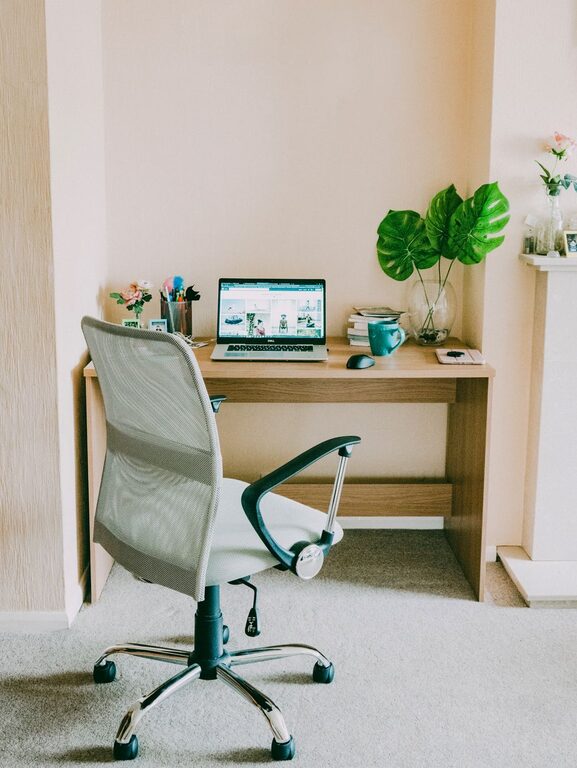
Creating a productive home office environment is essential for anyone working remotely or managing tasks from home. A well-designed workspace can improve focus, reduce distractions, and enhance overall comfort. Whether you’re setting up a new area or refining an existing one, these tips will help you create a home office that supports your productivity and wellbeing.
Choose the Right Location
The first step is selecting the ideal spot for your home office. Consider the following:
– Quiet area: Pick a space away from household noise and high-traffic areas.
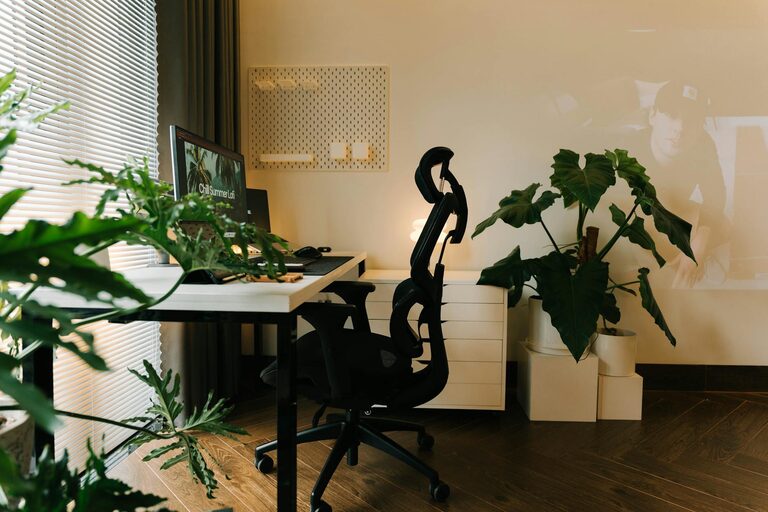
– Natural light: Position your desk near a window to benefit from daylight, which can boost mood and alertness.
– Privacy: If possible, choose a room with a door you can close to minimize interruptions.
If space is limited, a corner in a less-used room or even a nook near the living area can work well, as long as distractions are minimized.
Invest in Ergonomic Furniture
Comfort is key to staying productive throughout the day. Proper furniture helps prevent discomfort and physical strain.
– Ergonomic chair: Choose one with good lumbar support, adjustable height, and comfortable cushioning.
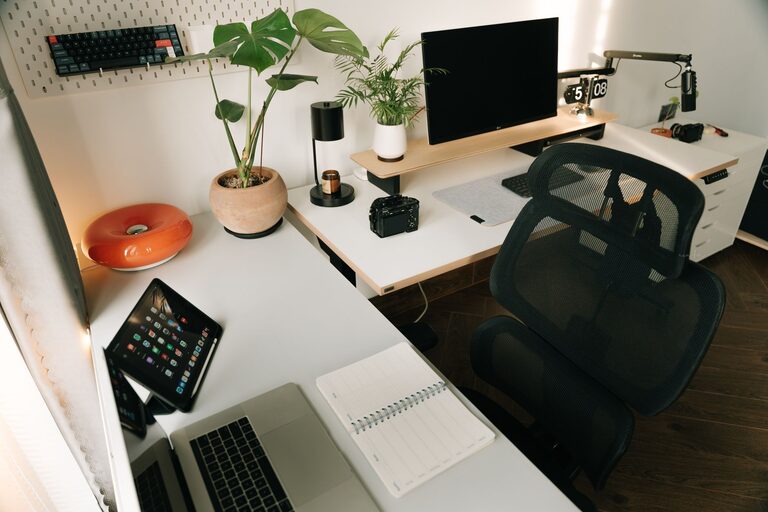
– Desk size and height: Ensure your desk has enough surface area for your computer, documents, and accessories, and that it suits your height to maintain good posture.
– Monitor placement: Place your computer screen at eye level to avoid neck strain.
Consider a sit-stand desk if you want flexibility and to alternate between sitting and standing during work hours.
Organize Your Workspace
A clutter-free environment promotes clarity and focus. Use these strategies to keep your office organized:
– Storage solutions: Use shelves, filing cabinets, and drawer organizers to store documents and supplies neatly.
– Cable management: Use clips or cable boxes to prevent cords from tangling and causing distractions.
– Desk essentials only: Keep only necessary items on your desk to reduce clutter.
Regularly declutter your space to maintain an efficient and inviting work zone.
Optimize Lighting
Proper lighting reduces eye strain and keeps you energized.
– Natural light: Use blinds or curtains to control glare but let in enough light.
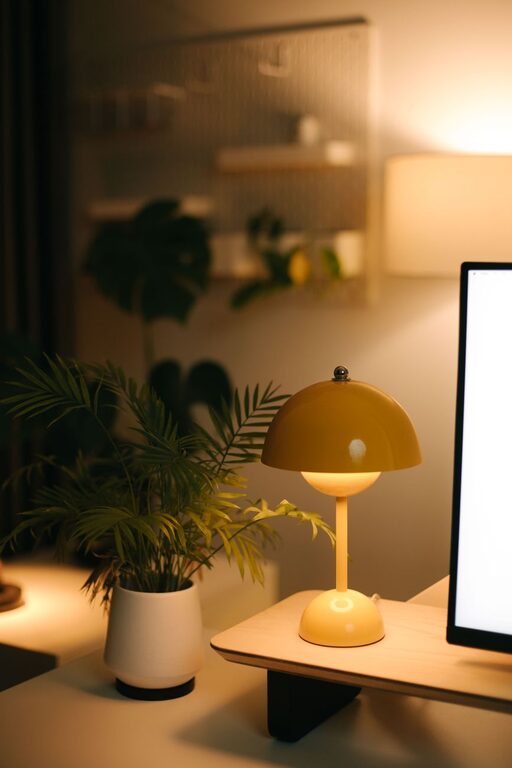
– Artificial lighting: Add a desk lamp with adjustable brightness for focused tasks.
– Avoid screen glare: Position your monitor to prevent reflections from lights or windows.
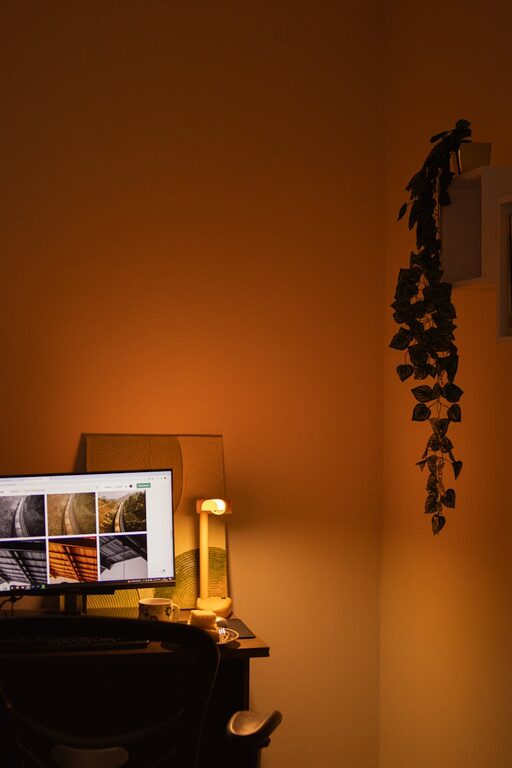
Warm, balanced lighting creates a comfortable atmosphere that helps maintain productivity.
Minimize Distractions
Reducing interruptions allows you to concentrate on your work. Here’s how:
– Set boundaries: Communicate your working hours and space to family or housemates.
– Noise control: Use noise-canceling headphones or ambient sounds to block out background noise.
– Turn off notifications: Silence non-work-related alerts on your devices during focused work periods.
Consider scheduling breaks to recharge, which can help maintain discipline and prevent burnout.
Personalize Your Space
Adding personal touches makes your home office more enjoyable and motivating.
– Decorate wisely: Use plants, artwork, or motivational quotes that inspire you without overwhelming the space.
– Comfort items: A cozy rug or a small cushion can add warmth and improve comfort.
– Color schemes: Use calming or uplifting colors that suit your taste and help you stay focused.
A workspace that feels inviting encourages longer periods of productive work.
Create Effective Work Habits
Your environment supports productivity, but your habits are just as important.
– Routine: Establish consistent start and finish times for your workday.
– Breaks: Take regular short breaks to stretch, walk, or rest your eyes.
– Task management: Use to-do lists or digital planners to prioritize and track tasks.
Good habits complement your physical workspace and enhance your efficiency.
Keep Technology Running Smoothly
Reliable tech tools are essential for smooth workflow.
– Strong internet connection: Ensure your Wi-Fi or Ethernet setup provides stable, fast access.
– Backup devices: Have chargers, spare cables, or a backup laptop handy if possible.
– Software updates: Keep your programs updated to avoid disruptions and security risks.
Having the right technical setup helps prevent frustrating interruptions.
—
Creating a productive home office takes some planning and intentional choices. By focusing on location, comfort, organization, lighting, and good habits, you can build a workspace that helps you stay motivated, efficient, and comfortable throughout your workday. Start small, and make adjustments as you discover what works best for your needs.